

Hi everyone, I'm Achao! Today I'm going to introduce a super fun DIY project—The MochiThis isn't just any ordinary electronic toy—it's a smart little device that combines expression display, navigation alerts, and notification reception all in one. It's practically like a buddy straight out of an anime!
What is The Mochi?
The Mochi is an open-source smart device built on the ESP32 C3 Mini development board, with its standout feature being the ability to display over 80 different animated expressions! Imagine having a little buddy on your desk that can make funny faces, blink, and even blush—wouldn't that instantly make life a whole lot more fun?
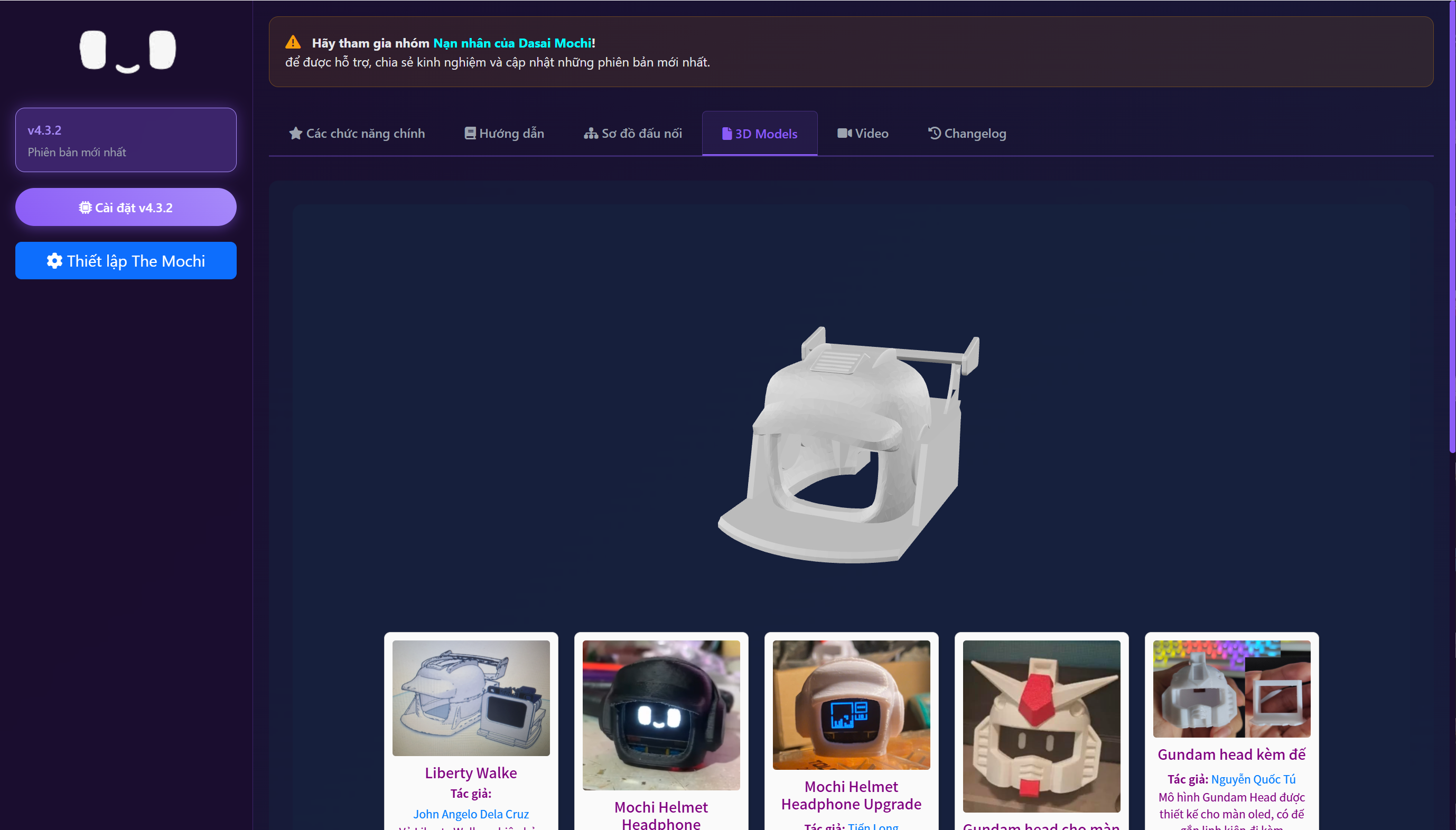
Key Feature Highlights
🎭 Extensive library of emoticons
- 80+ animated emojisFrom adorable smiles to silly faces, you'll find it all.
- Negative Effect SupportEach emoji comes with a corresponding negative version, offering richer visual effects.
- Shuffle PlayEmoticons will automatically switch randomly, so you'll never feel bored.
📱 Smart Notification Feature
- Caller IDDisplay caller ID—never miss an important call again.
- NotificationSupports message notifications for apps like Zalo and Messenger
- App NotificationsYou can customize which app notifications to display.
🗺️ Real-time navigation guidance
- Google Maps IntegrationAfter connecting your phone, it can display navigation directions and estimated time of arrival.
- real time updateNavigation information is continuously updated to make your driving safer.
⏰ Practical Information Display
- Clock FunctionDisplay the current time, maintaining accuracy even when disconnected.
- Battery Level DisplayDisplay real-time battery percentage on your phone
- Date InformationDisplay the full date information (year, month, and day).
🎵 Sound Effects System
- Custom Sound EffectsYou can set custom sound effects for different events.
- Music PlaybackSupports playback of simple music clips
- Haptic feedbackTouching the device produces audible feedback.
Fits the crowd
The Mochi is especially suitable for the following groups of people:
- DIY enthusiastsFor those who enjoy building electronics projects
- Anime fanUsers who enjoy cute anime-inspired styles
- Tech EnthusiastTech enthusiasts interested in smart devices
- People who need reminder functionalityUsers who frequently forget to check their phone notifications
- creative workerPeople who need desktop gadgets to spark inspiration
Hardware Requirements
To make a Mochi, you need to prepare the following hardware:
- ESP32 C3 Mini Development Board(Core Controller)
- OLED display(0.96-inch or 1.3-inch SSD1306)
- TP4056 Charging Module(If battery use is required)
- 3.7V Lithium Battery(For power supply use)
- TTP223 Touch Sensor(Add touch functionality)
- 5V Buzzer(Sound effects output)
- MicroSD Card Module(Expanded Storage)
Software Configuration
The Mochi's configuration is extremely user-friendly:
- Web Control PanelAll settings can be completed through your browser.
- Mobile App SupportYou need to install the Chronos app to receive notifications.
- Online Firmware Update:You can upgrade to the latest version anytime.
Experience
After trying it out, Achao found The Mochi to be super fun! Its animated expressions are incredibly smooth, and the touch response is very responsive. What surprised me most was its navigation feature—it's especially handy while driving, letting you know where to go next without constantly glancing at your phone.
To be honest, though, the installation process might be a bit challenging for beginners and requires some basic electronics knowledge. But once you've built it, the sense of accomplishment is truly indescribable!
summarize
The Mochi is more than just an electronic toy—it's a creative smart companion. It seamlessly blends practical functionality with entertainment, helping you manage daily notifications while bringing joy to your life.
If you enjoy DIY and want a one-of-a-kind desktop companion, The Mochi is definitely worth a try! While the process requires some patience, the end result will make it feel well worth the effort.
bywordThe Mochi, ESP32, Smart Expression Device, DIY Electronics, Notification Alerts, Navigation Display, Open-Source Projects
- ¥Download for freeDownload after commentDownload after login
- {{attr.name}}:

666
666 Fire Pliers Leaves Its Mark