

Hello everyone, I'm Achao! Today I'm introducing an AI video editing tool that really caught my eye—AutoClipAs a creator who frequently works with video content, I know firsthand how tedious manual editing can be. AutoClip's arrival has truly made me appreciate the magic of AI technology.
🎯 Project Overview
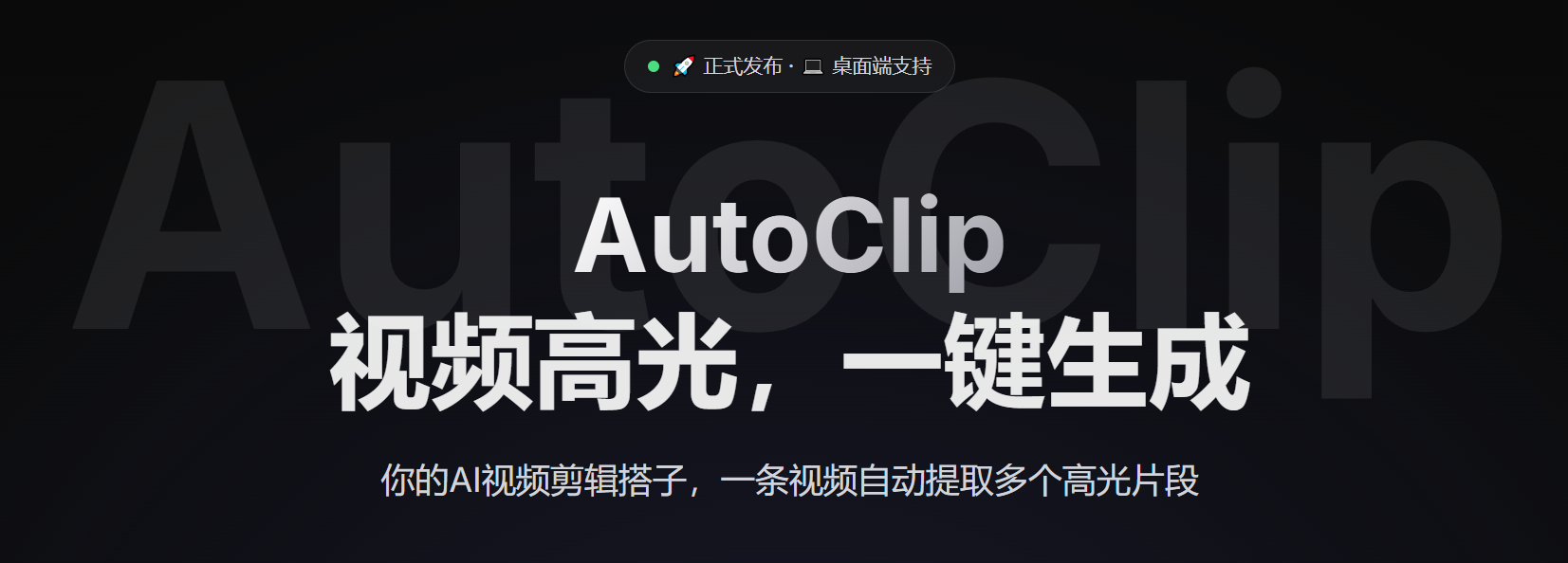
AutoClipIt's an AI-powered video snippet processing system that automatically downloads videos from platforms like YouTube and Bilibili. Using AI analysis, it extracts the best moments and intelligently generates highlight compilations. Simply put, it acts as your AI video editing partner, automatically slicing long videos into multiple standout highlight clips.
✨ Core Features
- 🎬 Multi-Platform SupportOne-click download for YouTube and Bilibili videos, with support for uploading local files.
- 🤖 AI-Powered AnalysisVideo Content Understanding Based on the Tongyi Qianwen Large Language Model
- ✂️ Automatic slicingIntelligently identifies highlights and automatically splits them, supporting multiple video categories.
- 📚 Smart CollectionAI-recommended and manually curated video collections, with drag-and-drop sorting support
- 🚀 Real-time processingAsynchronous task queue, real-time progress feedback, WebSocket communication
- 🎨 Modern InterfaceReact + TypeScript + Ant Design, Responsive Design
- 📱 Mobile support【Under Development】: Responsive design, currently enhancing the mobile experience
- 🔐 Account Management【Under Development】: Supports multi-account management for Bilibili, with automatic health checks.
- 📊 Data StatisticsComplete project management and data statistics capabilities
- 🛠️ Easy to deployOne-click startup script, Docker support, detailed documentation
- 📤 Uploaded to Bilibili【Under Development】: Automatically upload sliced videos to Bilibili
- ✏️ Subtitle Editor【Under Development】: Visual subtitle editing and synchronization feature
Core Values
Imagine you have an hour-long live stream replay or course video. Traditional editing might take hours to find the highlights. AutoClip can automatically complete this process in minutes, saving you time while ensuring you never miss any key moments.
🏗️ Technical Architecture
AutoClip adopts a modern frontend-backend separation architecture:
Backend Technology Stack
- FastAPIHigh-Performance Python Web Framework
- CeleryDistributed Task Queue
- RedisMessage Broker and Cache
- SQLite/PostgreSQLData Storage
- yt-dlpVideo Download Tool
Front-end Technology Stack
- React 18Modern User Interface
- TypeScriptType-Safe Development
- Ant DesignEnterprise-grade UI Component Library
- ViteRapid Build Tool
AI Integration
- lit. ten thousand questions on general principles (idiom); fig. a long list of questions and answersAlibaba Cloud Large Language Model Service
- DashScopeAI Service Platform
🚀 Quick Start
Deployment method
Docker One-Click Deployment (Recommended)
local deployment
Usage Process
- Create ProjectSelect video source (YouTube/Bilibili/Local file)
- Begin processingThe system automatically downloads and analyzes video content.
- View ResultsView the generated video clips on the project details page.
- Editorial Optimization:Manually adjust clip information and collection combinations
- Export UsageDownload sliced videos or upload to Bilibili (in development)
🎯 Suitable for the crowd
content creator
- Live streamerQuickly process live stream replays and extract highlights.
- Video bloggerBatch process materials to boost content production efficiency
- educational organizationCourse Video Knowledge Point Extraction and Learning Resource Organization
business user
- Training DepartmentCorporate Training Video Processing and Knowledge Base Development
- Operations TeamContent Recommendations and Traffic Distribution Optimization
Tech Enthusiast
- AI Application DeveloperImplementing AI Video Processing Technology
- Open-source project contributorsParticipate in project development and feature enhancement
💡 Unique Advantages
1. Full-process automation
From video download to final slice generation, the entire process is fully automated, significantly reducing manual intervention.
2. Intelligent Content Understanding
Deep analysis based on large language models can understand the semantic meaning of video content, rather than relying solely on visual or audio features.
3. Real-time processing experience
WebSocket provides real-time processing progress updates, allowing users to stay informed about the status at any time for a seamless experience.
4. Open-source and customizable
As an open-source project, users can customize and extend it according to their needs.
📈 Development Prospects
AutoClip has now achieved core video processing capabilities. Future planned features include:
- Bilibili Auto-UploadOne-click upload of video clips to Bilibili platform
- Subtitle Editing FeatureVisual Subtitle Editing and Synchronization
- Multi-language supportVideo processing supporting more languages
- Cloud Storage Integration: Integrate mainstream cloud storage services
🔧 Usage Recommendations
best practice
- Select the appropriate videoVideos with clear content structure yield better processing results.
- Configure AI modelsSelect the appropriate AI model and parameters based on requirements.
- Perform regular data backupsImportant project data should be backed up regularly.
- Monitor System ResourcesVideo processing places certain demands on the CPU and memory.
caveat
- A stable network environment is required for video downloads.
- AI processing requires corresponding API key configuration.
- Video processing time is related to video length and complexity.
🌟 Summary
AutoClip, as an AI-driven video editing tool, truly embodies the concept of ”highlights in videos, generated with a single click.” Not only does it feature an advanced technical architecture and practical functionality, but as an open-source project, it also offers excellent scalability.
For content creators, AutoClip significantly boosts productivity; for tech enthusiasts, it serves as an excellent learning and research case; for enterprise users, it delivers intelligent video processing solutions.
If you're looking for a tool that can automate video content processing, or if you're interested in AI video processing technology, AutoClip is definitely worth a try!
bywordAutoClip, AI video editing, video highlight extraction, intelligent slicing, content creation tools, open-source projects, automated processing
- ¥Download for freeDownload after commentDownload after login
- {{attr.name}}:
