

Hi everyone, I'm Achao! Today I'm introducing an incredibly useful tool—Pake. As someone who frequently needs to turn web pages into applications, I've found Pake to be a real gem. It instantly transforms any webpage into a lightweight desktop app, and the process is surprisingly simple!
What is Pake?
Pake is an open-source tool built on the Rust Tauri framework, with its core functionality beingOne-click web page packaging into desktop applicationsImagine if all your favorite online tools, social media platforms, and music services could become standalone desktop apps—no more switching between browser tabs. Pretty cool, right?
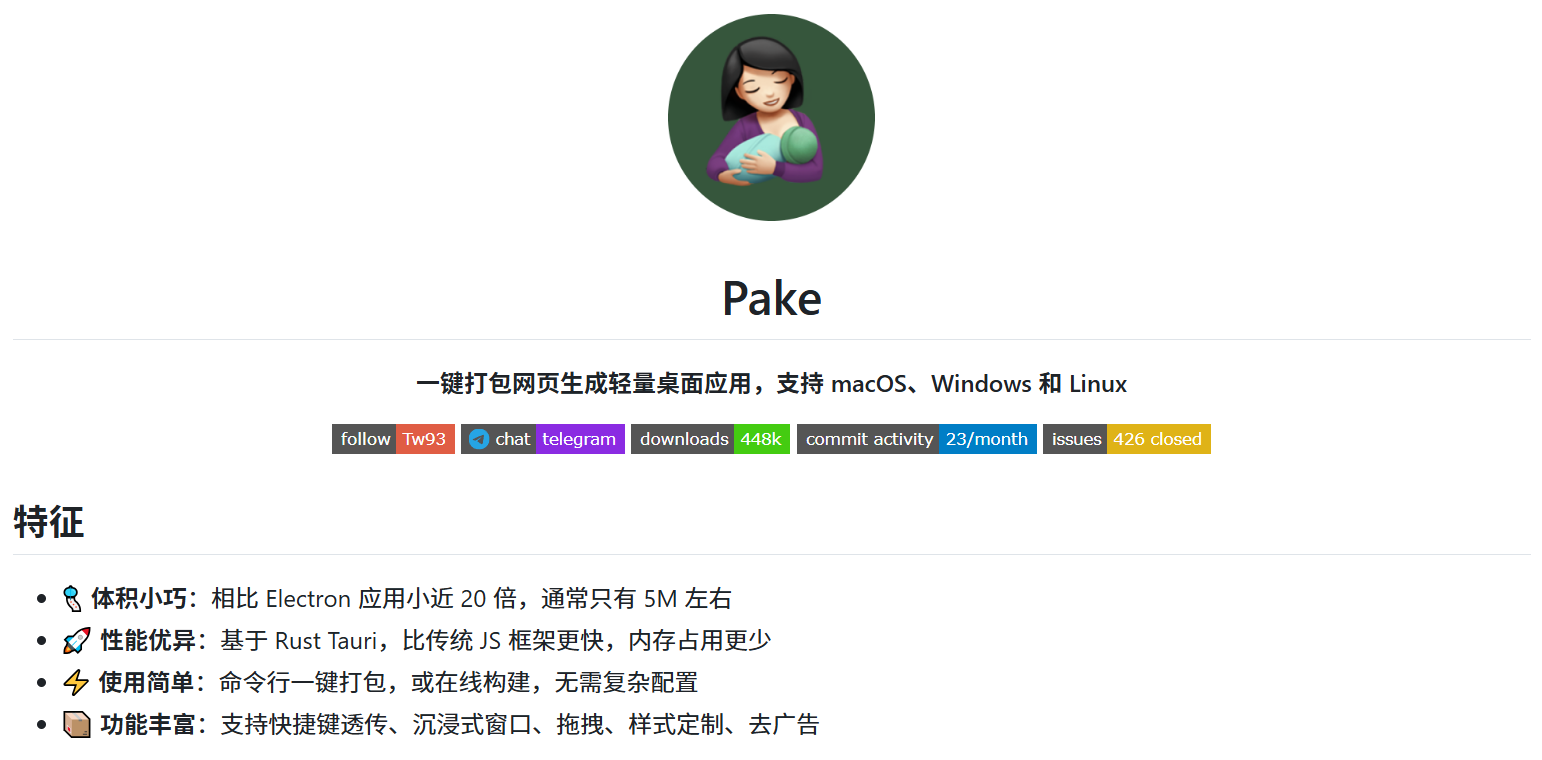
What surprised me most is that Pake-generated desktop applications are incredibly lightweight, typically around 5MB—nearly 20 times smaller than traditional Electron apps! This translates to faster launch times and lower memory usage, making it a godsend for users with less powerful computers.
Key Feature Highlights
🎐 Compact size, outstanding performance
Pake's greatest advantage lies in its lightweight design. Built on the Rust Tauri framework, it significantly outperforms traditional JavaScript frameworks in both speed and memory efficiency. After testing several applications, I can confirm that startup times are noticeably faster than those of browsers.
🚀 Simple to use, one-click solution
Whether you're a beginner or a developer, it's easy to get started. For regular users, you can simply download ready-made application packages. For developers, a single command can package any website, supporting customizable icons, window sizes, and other parameters.
⚡ Feature-rich and smooth experience
Pake supports many practical features:
- Shortcut Key Pass-Through: Preserves the original keyboard shortcut functionality of web pages.
- Immersive Window: Hide the title bar for a cleaner interface
- Drag-and-drop functionality: Supports file upload via drag-and-drop
- Style Customization: You can customize the interface style.
- Ad blocking: Some web page ads can also be blocked.
📦 Cross-platform support
Supports macOS, Windows, and Linux—the three major operating systems—truly enabling cross-platform use.
Who is it suitable for?
New users
If you just want to use ready-made desktop applications, Pake provides pre-packaged versions of many popular websites, such as:
- WeReadWeChat Reading Desktop Version
- TwitterTwitter client
- ChatGPTOpenAI Chat Tool
- YouTube MusicMusic Player
- DeepSeekAI Assistant
These apps can all be downloaded directly from the GitHub Releases page. Just install and use—super convenient!
Developer Users
If you're a developer, Pake provides a CLI tool that lets you package any website via the command line after installation.
Advanced User
For deeper customization, you can clone the project source code for secondary development, supporting advanced features like style customization and functionality enhancements.
User Experience Sharing
As a frequent user of various online tools, I've found that Pake has truly transformed how I use web applications. For example:
Music playback with greater focusAfter packaging YouTube Music into a desktop app, I can focus on listening to music without getting distracted by other browser tabs.
Work Efficiency EnhancementTurn ChatGPT into a desktop app for instant access—no more hunting around in your browser.
Reading Experience OptimizationThe desktop version of WeChat Reading offers a reading experience closer to a native app, with a cleaner interface.
Shortcut Key Support
Pake thoughtfully provides extensive keyboard shortcut support:
| Mac | Windows/Linux | functionality |
|---|---|---|
⌘ + [ | Ctrl + ← | Return to the previous page |
⌘ + ] | Ctrl + → | Go to the next page |
⌘ + ↑ | Ctrl + ↑ | Auto-scroll to the top of the page |
⌘ + ↓ | Ctrl + ↓ | Auto-scroll to the bottom of the page |
These shortcuts make the user experience more fluid and natural.
summarize
Overall, Pake is an extremely practical tool that addresses the pain points of ”desktopifying” web applications. Compared to traditional Electron apps, it is lighter and faster; compared to using directly in the browser, it offers a more focused and native experience.
Summary of Advantages:
- Compact size, excellent performance
- Easy to use, no complicated setup required
- Cross-platform support is fully optimized.
- Feature-rich and smooth experience
- Open-source and free, with an active community
Points to note:
- The first packaging run requires environment setup and may take longer.
- Certain complex web pages may require additional configuration.
- Advanced features require a certain level of technical expertise.
If you're like me and want to turn your frequently used web apps into more convenient desktop tools, I highly recommend giving Pake a try. It might just become your go-to helper for everyday computing!
Keywords: Pake, web packaging, desktop applications, lightweight, cross-platform, Rust Tauri, Electron alternative
- ¥Download for freeDownload after commentDownload after login
- {{attr.name}}:
