

I picked up an F50 years ago but never got around to using it. Recently, since I've been out and about more often, I dug it out of storage and found it was still brand new! I went ahead and got a 5G data plan (the Little Whale Card), and the speed is really impressive. Of course, that's thanks to the nearby cell tower and the fact that it's not crowded with users, which is why I'm getting such great speeds.
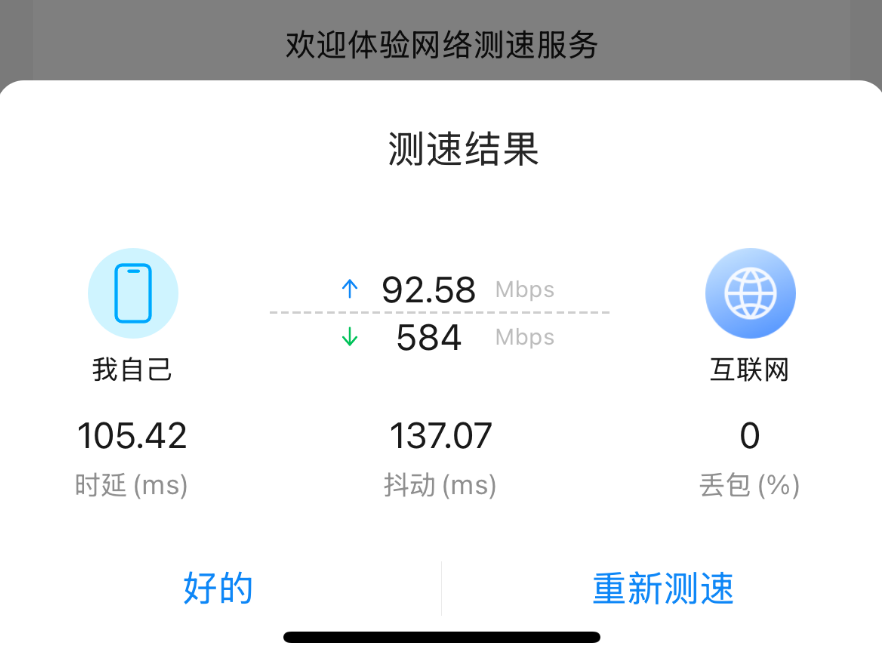
While browsing online, I discovered this device can unlock some advanced features, such as viewing real-time device status, signal strength, data usage statistics, device temperature, and locking specific cell towers or frequency bands. These are essential functions for anyone using the F50 as their primary device.
So Achao compiled a step-by-step guide on how to downgrade F50 from B15 to B09 and enable the advanced backend. It's incredibly detailed! Below are screenshots after successful completion.

Partial Feature Preview
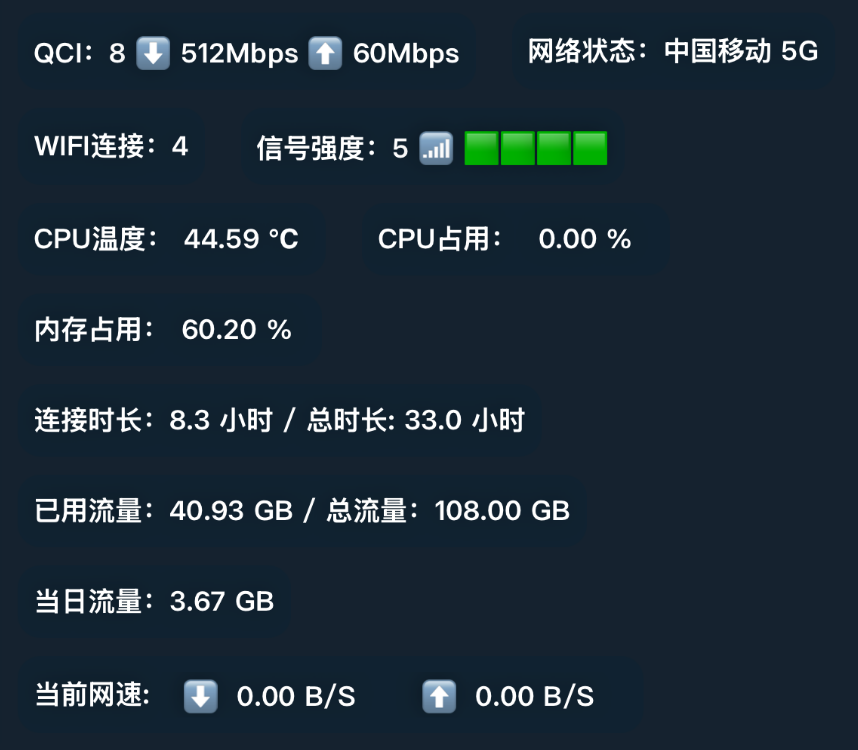
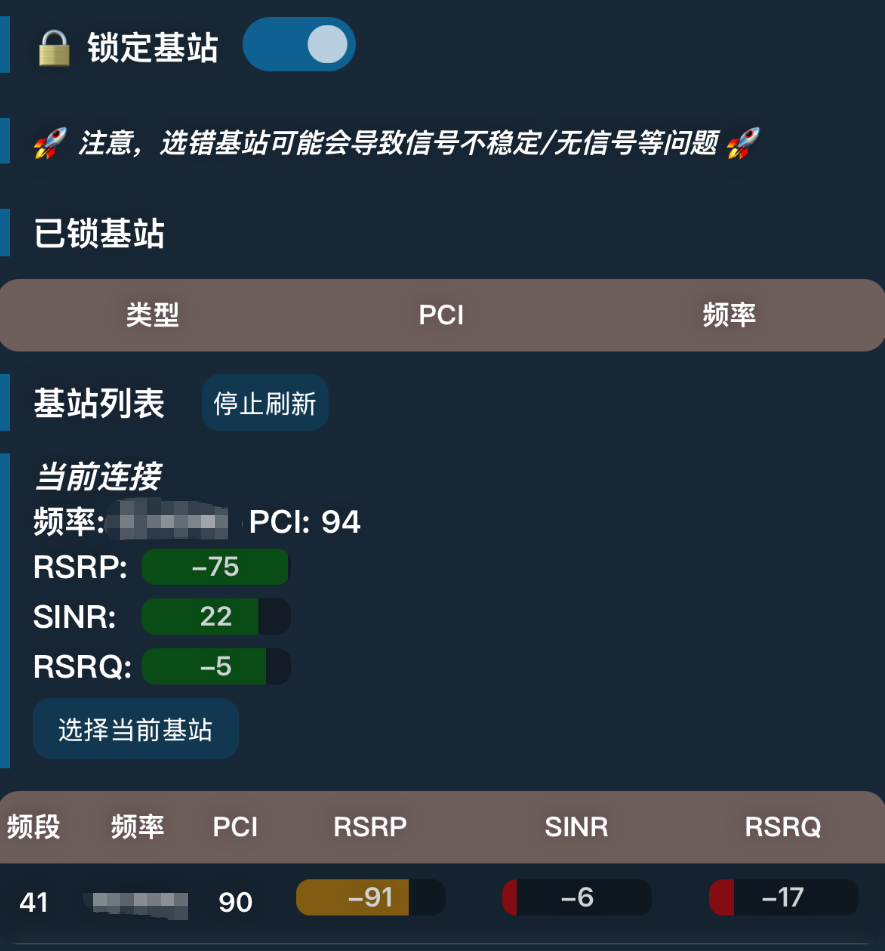
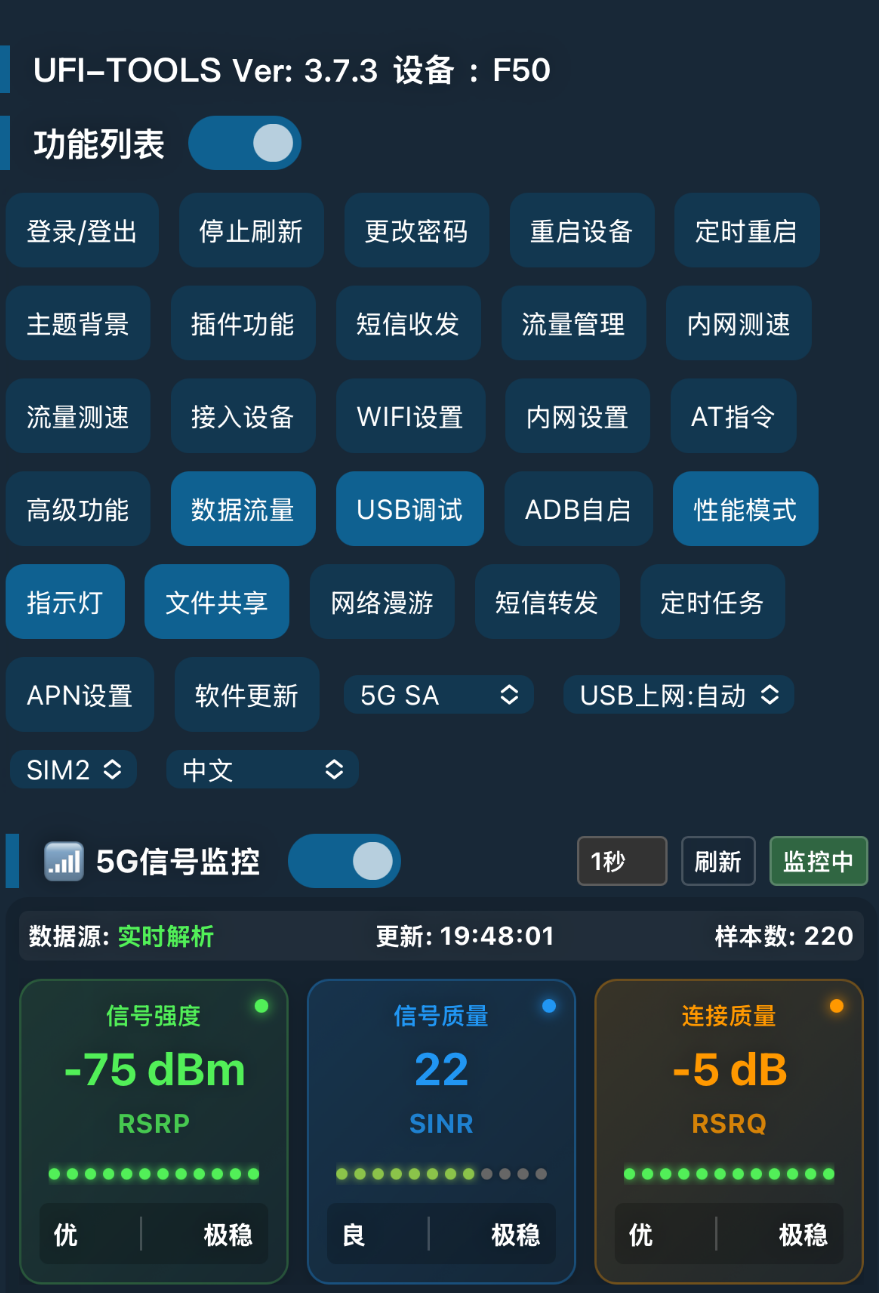
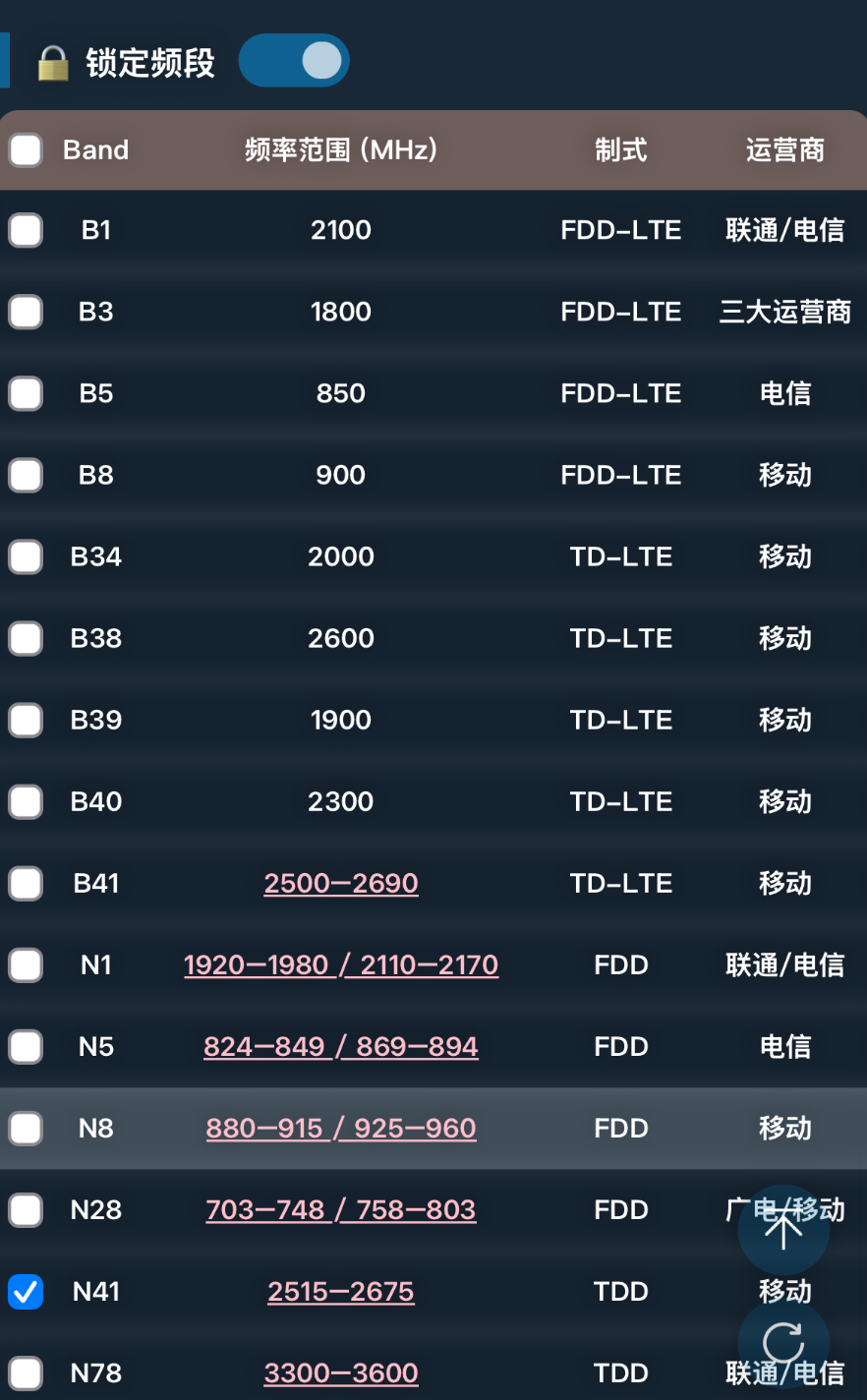
Overall, having access to the advanced backend unlocks more gameplay features and functionality, and even allows you to use the Cat Plugin—which is pretty cool!
Origin of the Issue
But when I first turned on the F50, it prompted me to update the firmware. Seeing there was a new version, I naturally clicked to upgrade to the latest B15 firmware—only to later discover B15 doesn't support advanced background features. Talk about regret! So I started scouring the web for solutions.After some effort, I found the installation package and firmware files. It took a while of tinkering to downgrade the F50 back to the B09 version.
Why choose the B09 edition?
Overall, the B09 firmware version is the most stable one available and also the most widely used version.
Thank you
Special thanks to kano for the firmware package and tools!
statement denying or limiting responsibility
The tool itself is harmless, purely designed to let tech-savvy enthusiasts explore more interesting features. Therefore, please refrain from using this tool for any illegal activities and comply with local laws and regulations! Do not break the law! If you disagree with this policy, please close this webpage!
Tutorial begins
First, prepare the following tools: (Download links are provided in the text)
- F50 Device (B15 Firmware)
- Laptop/Desktop Computer
- One data cable (user-supplied)
- Firmware package (as mentioned in the text)
- Screen Mirroring Tool
- UFI-Tools
Creating tutorials is no easy task—please appreciate the effort! Note: Fees are solely as appreciation for tutorial production! If you agree, please proceed.
Do not try other versions of firmware, only for versions B09-B16, including the B15 baseband.
If your native language is English, please contact info@xueqiuai.cn
The graphic tutorials are rich, there are more pictures, it takes some time to open, please be patient.

Thanks for the awesome tutorial!! Followed it step by step and nailed it on the first try!! 💪💪💪
Bro
Why did I buy this without any tutorials? What a scam!
Refresh the page and it will appear, or contact WeChat.
After contacting the administrator, they proactively refunded me and had me try purchasing again. This time there were absolutely no issues—the tutorial displayed smoothly. It was extremely detailed, with thorough explanations and notes throughout the entire process. The whole procedure ran semi-automatically via BAT files, taking about an hour and a half. It successfully downgraded my F50, which I accidentally upgraded to B15, back to the B09 version. It flashed the advanced backend and locked the N78 band. Everyone, please learn from my mistake: never accept B15 if your signal is weak. You'll essentially be stuck with the slow N1 band instead of the fast N78 5G. This isn't a scam post—it's real. But remember: register as a member before clicking "Pay," or you'll end up like me, missing out on this excellent tutorial. Let me reiterate: this is not a scam post; it's genuinely effective. I'm not a shill—this is my personal journey. Huge thanks again to the developer for their hard work. Tech-challenged folks, please stop randomly clicking upgrades!
After the third step's batch file creates the backup folder, the folder remains empty and cannot be read by F50.
First open the batch file, then plug in the device.
Thanks for the reply, it's the "open bat first, then plug in the device" step, so I guess it's a computer problem
When I was a Mac with a Parallels VM connected F50
The recommendations are all in Windows, and the total operation is done in ten minutes or so.
Hi there I cannot pay using wechat account because to need verify I no passport right you have other flatform you to pay like international bank
Do you use Facebook?
Yes
Can u help me, Im from ph is there another way to pay?
Do you use Facebook?
Bro
Is the firmware here simply downgrading from a B15 to a B09 system or is it incidentally flashing the baseband?
Baseband with 15
Bro i need help bro i sent paying using we chat becuase to i cannot register before sign in can you help me
Okay, I have replied to your message.
i need refud becuase to cannot register before login
i pay wechat becuase i cannot register before pay
what is your wechat account name bro to i contact you
bro
how i can back to b16 bro
Use the official system upgrade
Also do you have english version. thank you
Translation tools can be used
The steps are a little confusing because of the language even with the help of translating tools. But overall, got it to work on my first try. I had to create an I had to create an account to comment on this post, but didn't know I have to pay it again, to see the rest of the tutorial. I paid when I was not registered then.
I must admit you have excellent practical skills. You're right, I need to rewrite the English translation!
I don't understand, but thank you anyway.