

VideoCaptioner is a tool for generating captions for videos. It automatically recognizes speech in a video and converts it into text captions. This technology is usually based on Speech Recognition (SR) and Natural Language Processing (NLP) techniques, and is able to convert the dialog, narration, etc. in the video into text and synchronize it to the timeline of the video to generate subtitle files.
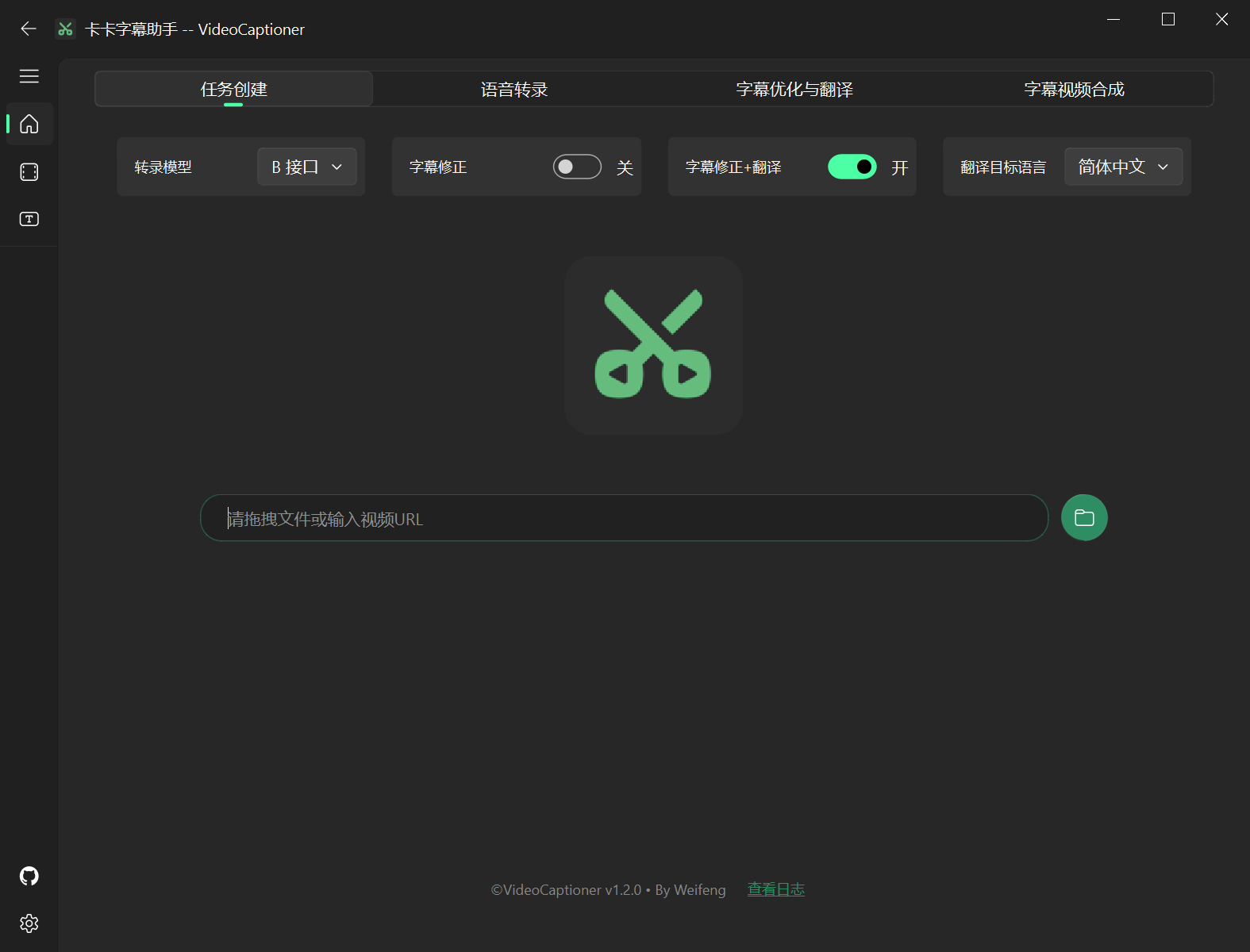
Key Features:
Automatic Subtitle Generation: After a user uploads a video, VideoCaptioner can automatically recognize the voice content in the video and convert it into text subtitles.
Multi-language support: may support the generation of subtitles in multiple languages, convenient for users with different language backgrounds.
Subtitle Editing: Users can manually edit the generated subtitles, fix recognition errors, adjust the display time of the subtitles and so on.
Subtitle Format Export: Supports exporting subtitles to common subtitle formats, such as SRT, VTT, etc., which is convenient to use on different video platforms.
Usage Scenarios:
Content creators: add subtitles to their videos to improve their accessibility and search ranking.
Language learners: learn a foreign language and understand video content through subtitles.
Hearing impaired: Improve video accessibility by understanding video content through captioning.
Advantage:
Save time: Automatic subtitle generation can greatly reduce the time spent manually typing subtitles.
Improved accuracy: As technology advances, the accuracy of speech recognition continues to improve, generating more and more accurate subtitles.
Ease of use: Usually has a user-friendly interface that makes it easy for even users without specialized skills to get started.
Caveats:
Recognition accuracy: Although speech recognition technology is already advanced, it can still produce errors in certain situations (e.g., high background noise, heavy accents, etc.).
Copyright issues: When adding subtitles to a video, you need to make sure that you have the right to use the video content to avoid copyright infringement.
VideoCaptioner specific features and usage may vary depending on the software or platform, it is recommended to read the relevant documentation or help guide before use.
Download Address:
https://github.com/WEIFENG2333/VideoCaptioner
