

This recent video of giant Pokémon, appearing in various city landmarks, has created a giant trend across the internet, and it's actually very easy to make.

It's easy to do in just two steps, and we're going to break it down in real life today!
initial step
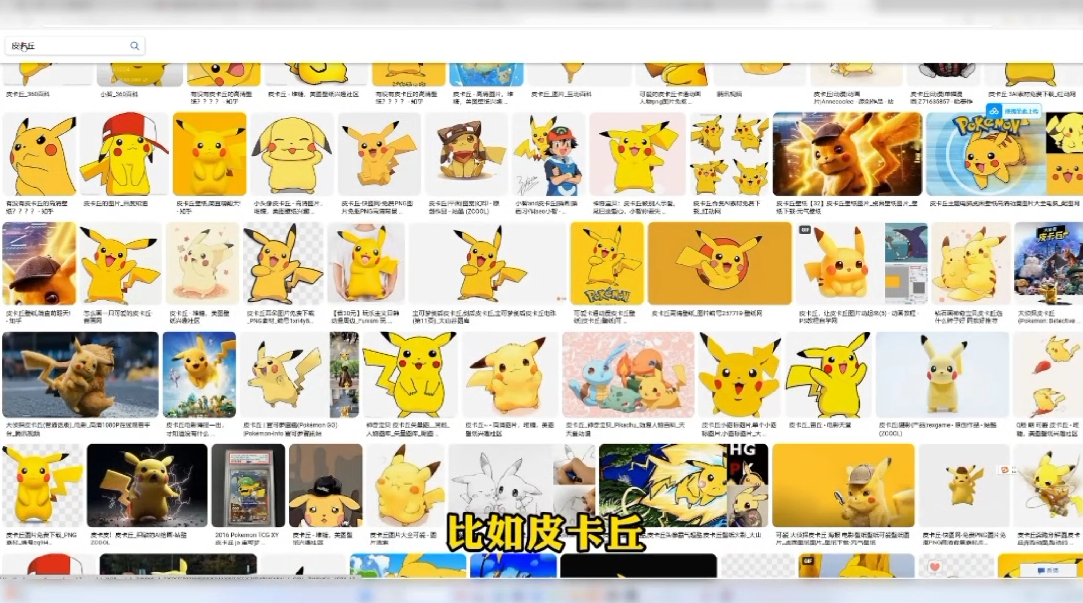
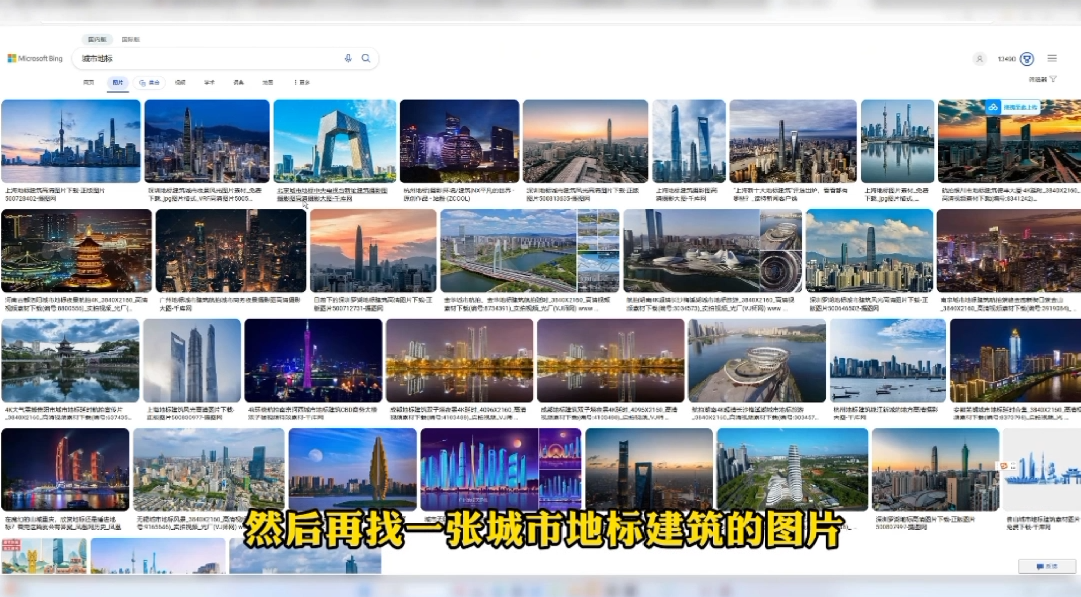
Let's create the picture first, first go online and download a Pokémon that you want to make, the body of the picture such as Pikachu Kabi Beast and so on, and then find a picture of the city landmarks such as the Eiffel Tower Mt. Fuji and these and so on.
second step
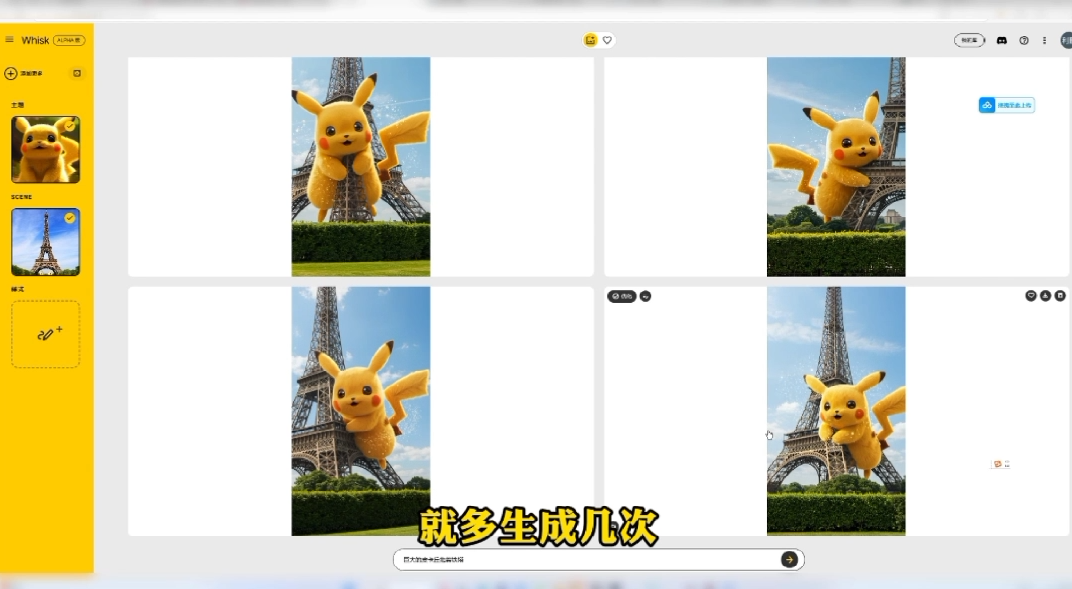
Open whisk, an AI drawing tool, and just upload a picture of a Pokémon here in the main body, for example, I uploaded a Pikachu.

Afterwards, write a prompt below
For example, I wrote, "Giant Pikachu, hugging the pylons."
Click Generate after washing
Wait a little while for the image to be generated
If you are not satisfied with the generated results
Just generate it a few more times.
Until you're satisfied.
third step
Make pictures move
This step would be very simple
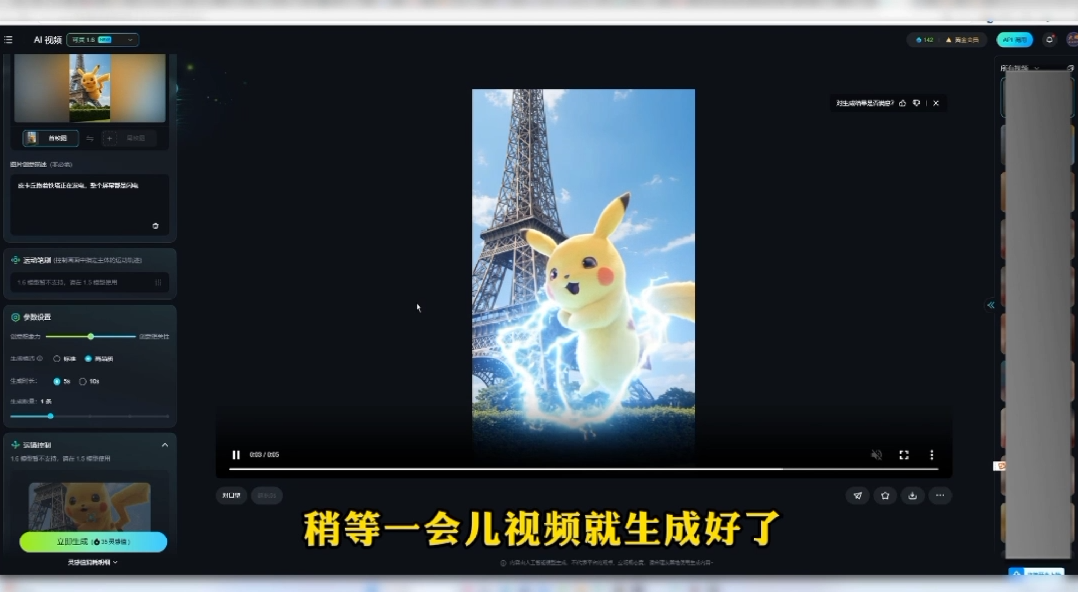
Turn on the Kringle AI.
Upload the image we just generated.
Then fill in a prompt paragraph
For example, I entered Pikachu holding the pylons and generating electricity.
The whole screen is full of lightning.
Then click Generate
Wait a little while for the video to be generated
Download the video afterward
Add a background music effect and you're ready to export!
Let's take a look at the final result
Pikachu
Isn't that nice?
All right, above.
It's this AI giant Pokémon.
Detailed tutorial for video gameplay now
I've organized all of the previously mentioned tools for you.

6666
6666666666666666
👍 just follow and learn